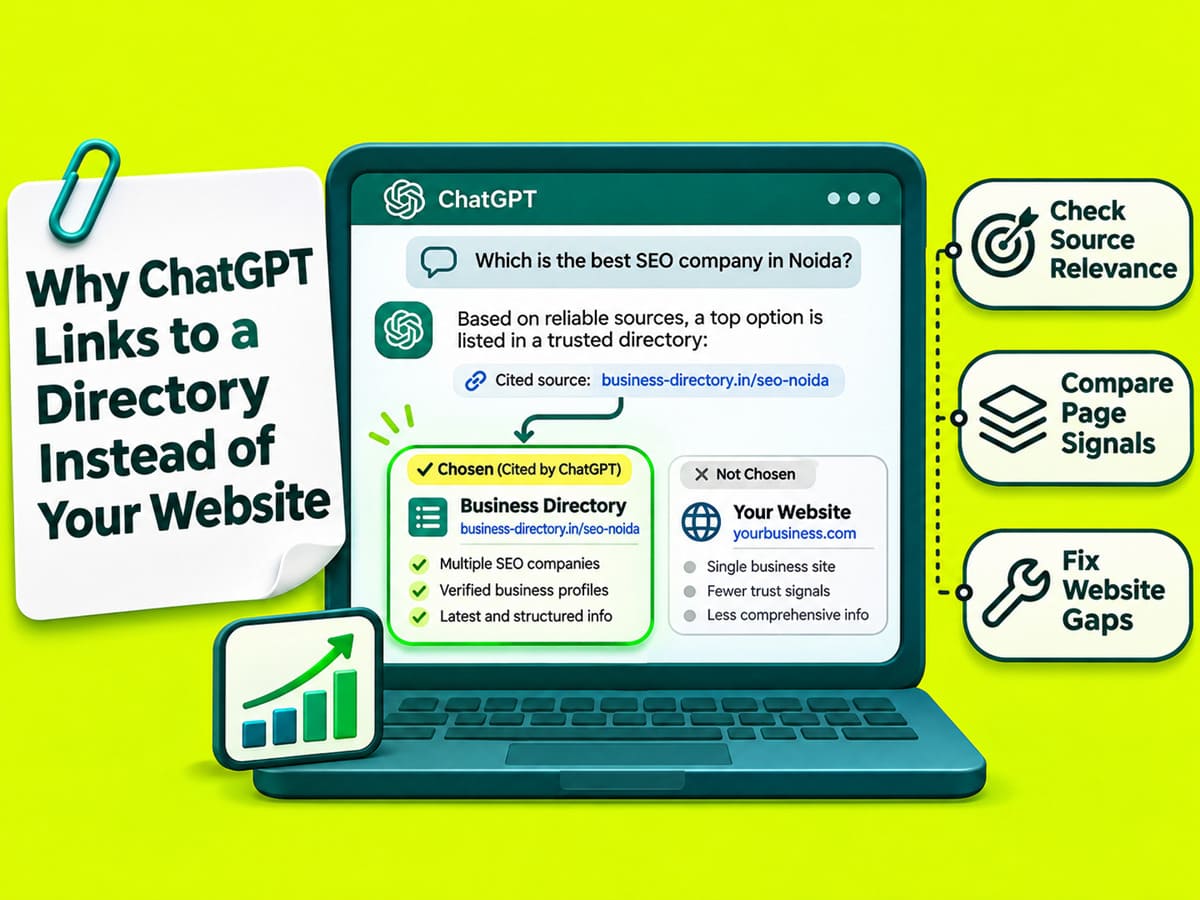
ChatGPT may link to a business directory when someone searches for local companies. A directory can show several providers on one page. It may also contain information missing from your business website.
However, a directory link does not prove your website has a problem. To find the cause, compare the ChatGPT answer with the linked page and your own website. The next action depends on the information you find.
Start With the Website ChatGPT Links To
Find the website ChatGPT used for the business information in its answer.
Repeat the buyer question in ChatGPT Search. Select the website citation beside the relevant business name or statement. If no citation appears, record that result as well.
A directory link might lead to your company profile or a list of competitors. Open the linked page and find the information ChatGPT mentioned. See if the page supports the claim.
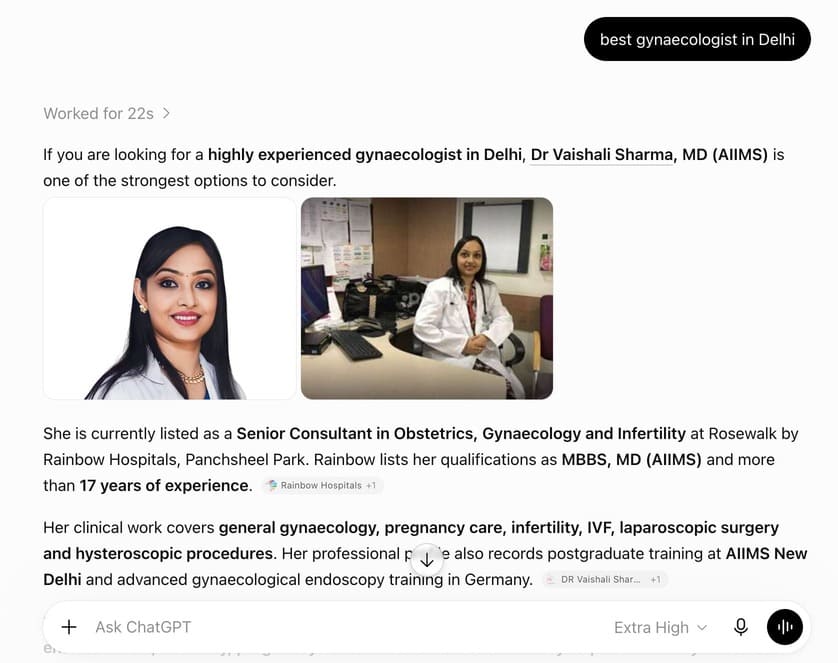
Record the question, date, location, company names, and cited URL. Save a screenshot for later comparison. You will need the original answer to see if anything changes.
OpenAI also warns that ChatGPT Search answers can contain errors. Read the linked information before treating it as accurate.
Compare a General Search With Your Business Name
ChatGPT may use different sources when a buyer asks for several companies or searches for one business.
Imagine you own an office-cleaning company in Noida. Try these two questions in ChatGPT Search.
Search for several providers
Which companies offer office cleaning in Sector 62, Noida?
Search for your company
Does [Company Name] offer office cleaning on Sundays in Sector 62, Noida?
Replace the sample company name with your own.
The first question asks for several providers. A directory with local business listings may answer it. The second question needs the working hours of one company.
If ChatGPT uses a directory for both answers, read the linked information. Compare the service hours with your website. Look for missing or incorrect details before making changes.
If ChatGPT misses your company in both searches, inspect your company page and its public information. Crawler access may also need attention, but absence alone cannot confirm a block.
Find Which Website Has the Wrong Information
Compare the directory listing with the service or product page on your website. Focus on the business details mentioned in the ChatGPT answer.
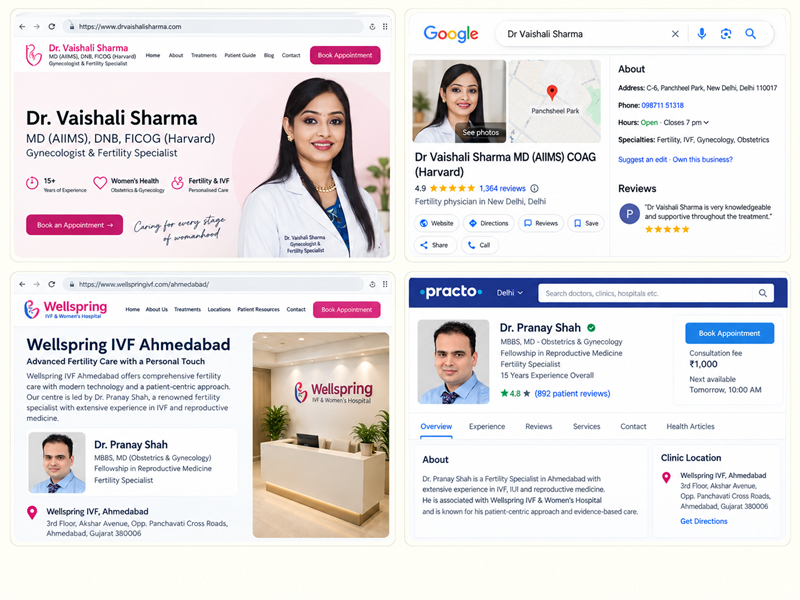
For example, a directory might show Sunday office cleaning. Your website might only mention flexible working hours. Confirm your current schedule before editing either page.
| Problem found | Solution |
|---|---|
| Directory mentions Sunday visits that your company does not offer | Request a correction from the directory |
| Your company offers Sunday visits, but your website has no working hours | Add the confirmed hours and booking terms |
| Both pages contain accurate details | No correction is needed based on those facts |
| Your service page returns an error | Ask your developer to investigate the affected URL |
| Your company is absent from a local directory | Review the directory requirements before requesting a listing |
The same approach works for product sellers. Compare specifications, order quantities, delivery locations, and return conditions.
A wrong delivery area should be corrected where it appears. Missing minimum-order information belongs on the relevant product page.
Request a Correction From the Directory
If the directory has incorrect details, contact the company that manages the listing.
Some directories allow owners to edit their business profiles. Others require a request through a contact form or support email.
Send the listing URL along with the incorrect information and the correct details. Include a link to your website where the directory owner can verify the change.
For example, a business that operates Monday to Saturday could send:
Our directory listing mentions Sunday office cleaning. Our working days are Monday to Saturday. Please remove Sunday availability. You can verify our current hours on our service page.
Save the request and review the listing after the directory responds.
Correct the same error on other public profiles you manage. Eligible business owners can also update their Google Business Profile.
Updating a Google listing does not change an independent directory. It also cannot guarantee a different ChatGPT citation.
Add Service Details Missing From Your Website
Your service page should contain the information customers need before making an enquiry.
Imagine an office-cleaning company with the following description:
We provide professional office cleaning services in Noida with flexible timings.
A customer still needs to know the service areas, working days, and booking process.
A more useful description could be:
Office cleaning is available in Sectors 62 and 63, Noida. Visits are available Monday to Saturday. Share your office size, preferred day, and cleaning frequency to request a quote.
Use those locations and working days only when they match your business.
The improved paragraph answers specific customer questions. It also gives readers the details needed before contacting the company.
Place working hours under Office Cleaning Hours and Booking Terms. Show the areas served under Office Cleaning Areas in Noida.
Product pages need the same level of detail. A wholesale supplier should include confirmed pack sizes, minimum order quantities, delivery areas, and quotation requirements.
Add information to the page customers already use. A new blog post is unnecessary when the service page only needs a missing business fact.
Find Out if OpenAI Can Access Your Website
A website may contain accurate information but block OpenAI’s search crawler. Technical access is worth investigating when a page fails to load or server records show blocked visits.
Your developer can use the following steps to investigate the affected URL.
- Visit the page in a private browser window. Confirm that the main content appears without requiring a login.
- Read the website’s
robots.txtfile. Look for rules applying toOAI-SearchBot. ADisallow: /rule can prevent automated crawling when it applies to that bot. - Review server and CDN logs. Look for refused crawler requests. An HTTP
403indicates access was denied, while404indicates a missing page. - Compare the visitor IP address with OpenAI’s published SearchBot IP ranges. A crawler name in a request is not enough to confirm its identity.
- Follow the page URL through any redirects. Confirm that visitors reach the correct service page and its content loads.
OpenAI uses OAI-SearchBot to crawl pages for ChatGPT Search. GPTBot serves a separate purpose related to potential model training. ChatGPT-User may access pages during certain user-requested actions.
A business can allow search crawling without allowing potential training crawls. OpenAI documents the differences in its official crawler reference.
If your developer finds a blocked request, correct the affected rule and test again. Changes to robots.txt can take around 24 hours to affect OpenAI’s search systems.
Crawler access alone cannot guarantee that ChatGPT will cite your website.
When a Directory Citation Needs No Correction
A directory may remain relevant even after your business website has accurate information.
For example, someone searching for office-cleaning companies across Noida may want several options. A directory can meet that need without having an error.
If your website and directory both contain the correct service details, avoid rewriting the page without a specific reason.
Your website should answer questions about your own services. A directory may help buyers compare different companies. Both can serve useful purposes.
Even when OpenAI can access your page, ChatGPT may choose another source. No website owner can force a direct citation.
Compare ChatGPT Results After Making Changes
Repeat the same buyer questions after your website or directory information has been updated.
Use the same search location. Record the date, company names, and linked websites. Repeat the test on another date because AI answers can vary.
A business mention, website citation, visitor, and sales enquiry are different results. Track them separately.
For example, ChatGPT might mention your company but link to a directory. In another answer, it might cite your website directly. Neither result proves someone contacted your business.
Use your website analytics to identify visits from ChatGPT when referral information is available. Record completed forms, calls, and quote requests in your normal business records.
A changed citation cannot prove that your website edit caused the change. Compare the records and focus on errors you can verify.
If the directory remains wrong, follow up on the correction request. If your page lacks service details, update the relevant section. If your server blocks OpenAI’s crawler, ask your developer to correct the access rule.
For broader testing across buyer questions and website pages, read SEO Noida’s AI search audit article.

Manish Singh is Head of Generative AI at SEO Noida and has 14+ years of experience in SEO, UX, and digital marketing. He focuses on how Google and AI platforms find, interpret, and cite web content. His articles cover AI SEO, GEO, AEO, LLM SEO, entity optimization, content architecture, and visibility measurement, drawing on website audits and campaign work.