What llms.txt identifies
llms.txt identifies selected public resources that a website wants AI tools to read first. The proposal describes a Markdown file at /llms.txt that gives background, notes, and links to detailed files for use during inference.
Think of llms.txt as a reception desk. A visitor can still walk through the whole building, but the reception desk points to the right rooms first.
Large websites contain menus, scripts, templates, repeated text, and many similar URLs. The llms.txt file gives AI tools a shorter route to selected source pages. The proposal says language models and agents can use the file before reading deeper website material.
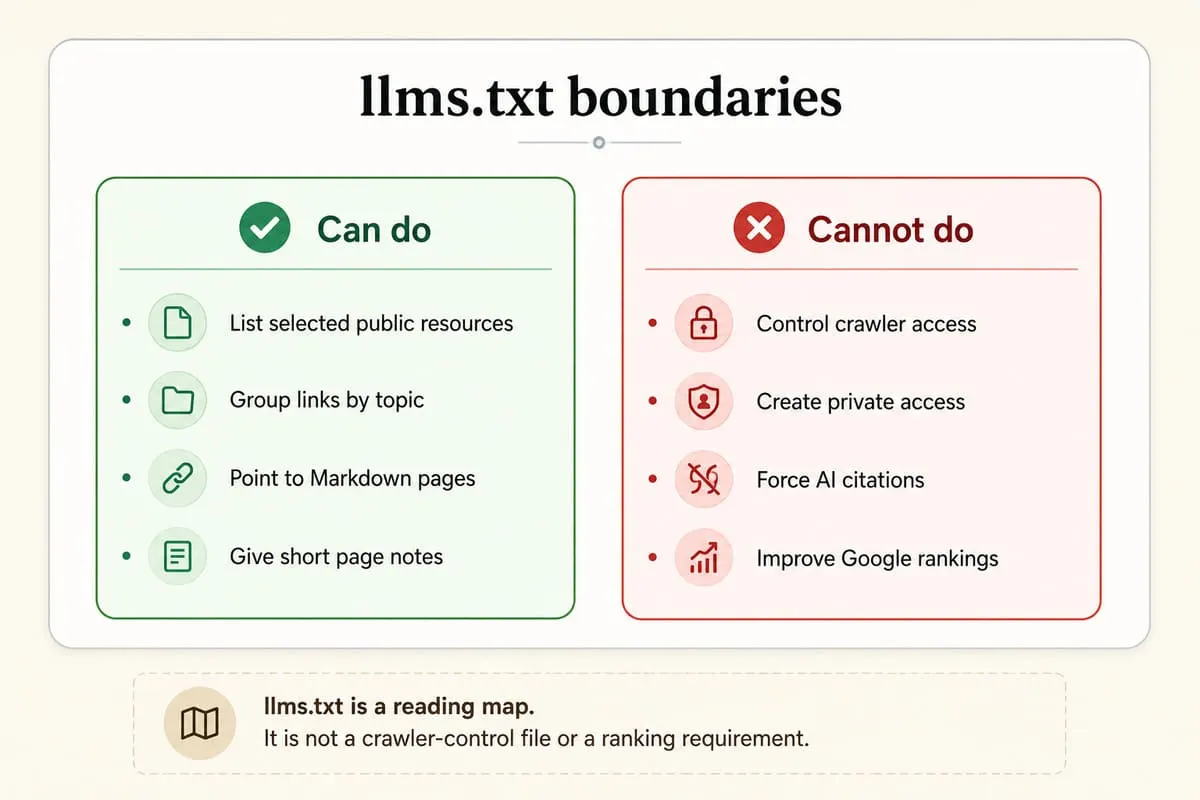
A common mistake is treating llms.txt as a command file. The file does not grant access, block access, or force an AI tool to cite a page. It only describes files in a format that some tools can fetch and read.
Which parts form an llms.txt file
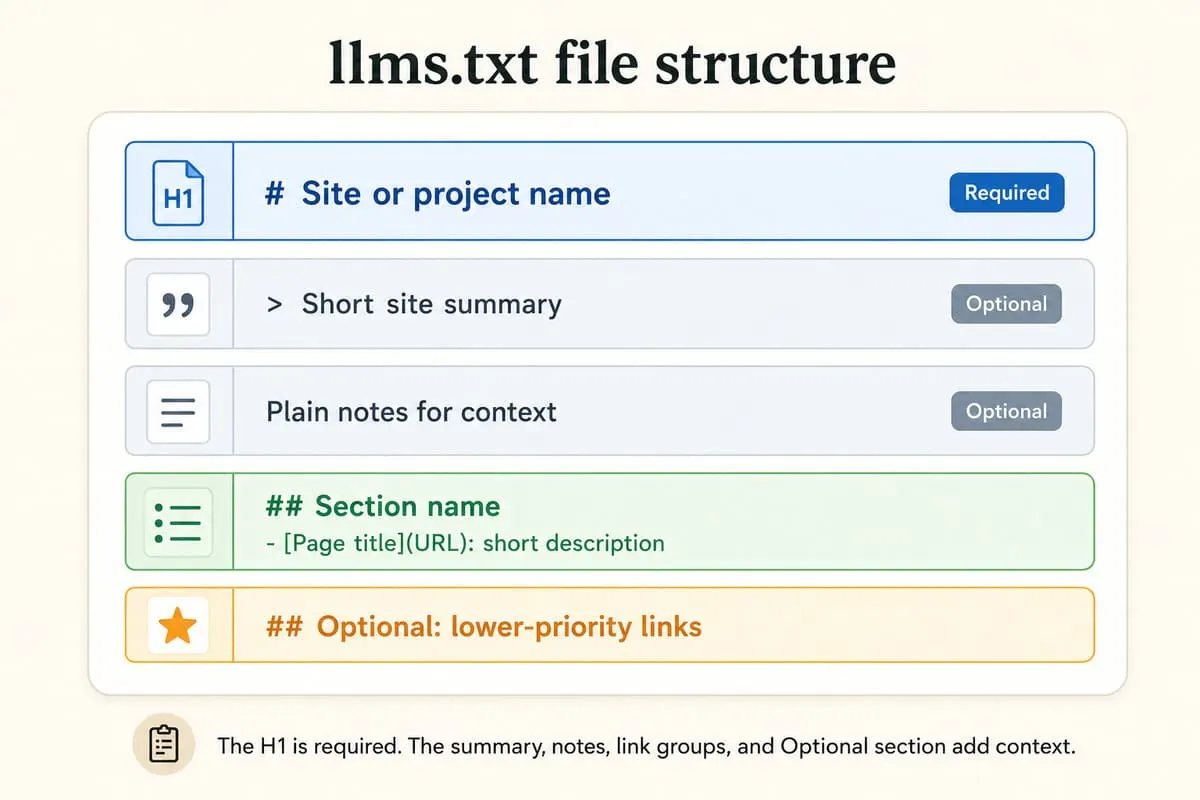
An llms.txt file uses Markdown. The proposal requires only one H1 heading with the project or site name. Other parts can add a summary, notes, H2 link groups, and optional URLs.
Markdown is plain text with small formatting marks. For example, # Site Name marks a main heading, and - [Page](URL): note marks one linked item.
After the H1, a blockquote can summarize the project. Normal Markdown text can add context. H2 sections can group file lists, and each list item can contain a Markdown hyperlink plus notes.
The Optional section marks lower-priority URLs. The proposal says tools can skip URLs in that section when a shorter context is needed.
How llms.txt differs from robots.txt and sitemap.xml
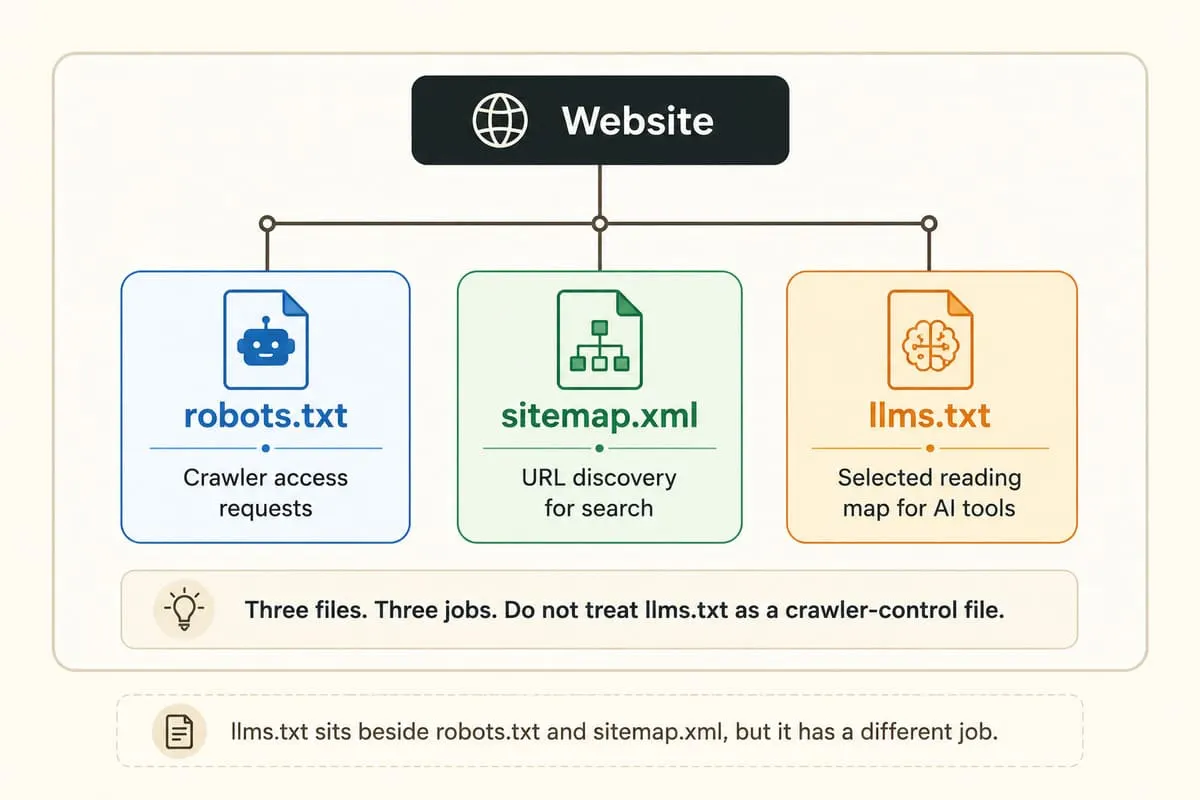
llms.txt describes selected reading material. robots.txt manages crawler access requests. sitemap.xml lists URLs for search discovery. These three files solve different problems and should not replace one another.
robots.txt has a formal protocol. RFC 9309 defines the Robots Exclusion Protocol for service owners who want to control how crawlers access served content. The same RFC says robots.txt rules do not provide access authorization.
Google describes robots.txt in similar terms. Documentation from Google says robots.txt tells search engine crawlers which URLs they can access, but it is not a method for keeping a page out of Google.
sitemap.xml helps search systems discover listed URLs. The llms.txt proposal says sitemap.xml lists indexable human-readable information, while llms.txt gives a curated overview and can point to Markdown-friendly versions of important files.
| File | Main job | Good use |
|---|---|---|
robots.txt |
Crawler access rules | Manage crawler requests |
sitemap.xml |
URL discovery | List indexable pages |
llms.txt |
Curated AI reading map | Point agents to selected resources |
llms-full.txt |
Full Markdown export | Give one large context file |
Where llms.txt can help AI tools
llms.txt fits websites with public documentation, API references, policies, product taxonomies, or other pages that an AI tool may need as context. Its value comes from a shorter route to selected files, not guaranteed visibility.
A common documented use case appears in developer documentation. API docs contain endpoints, limits, examples, and version notes. A short index can point an agent to the right Markdown page before the agent fetches deeper material.
The llms.txt proposal also suggests .md page versions. A Markdown page can remove menu clutter and keep the core text easier to parse. That does not make the Markdown page more accurate; it only makes the page easier to read as text.
Google Search needs a strict boundary. Documentation from Google says website owners do not need llms.txt or other new machine-readable files to appear in Google Search, including AI features, because Google Search does not use them in that way.
Chrome Lighthouse has a different product context. Chrome documentation calls llms.txt an emerging convention for LLMs and AI agents. The Lighthouse audit marks a missing file as not applicable when the file is absent, because the file remains optional.
Which current sources show llms.txt usage
OpenAI, X, Mintlify, and Anthropic publish or mention llms.txt in documentation contexts. These examples show current use in technical documentation, not universal adoption by every AI platform.
OpenAI publishes an API documentation index at /api/docs/llms.txt. The file lists documentation sets and Markdown twins for API pages. This file demonstrates the index pattern in a large developer documentation library.
Anthropic mentions flat llms.txt files in an engineering article about writing tools for AI agents. The article points to its API file as one example of LLM-friendly documentation.
X describes llms.txt as a structured index and llms-full.txt as a full Markdown file for its API documentation. X also lists section-specific indexes for API areas and SDK references.
Mintlify generates llms.txt and llms-full.txt files for documentation sites. Mintlify also explains how authentication affects which pages appear in those files.
How to create a safe llms.txt file
Create an llms.txt file by listing only public, useful, current resources. Use one H1 title, one short summary, grouped links, and brief descriptions that describe each linked page accurately.
Use this order:
- Create a plain text file named
llms.txt. - Place the file at the website root.
- Add one H1 with the site or project name.
- Add a short blockquote summary.
- Group important links under H2 headings.
- Add one short note after each link.
- Place secondary links under
Optional. - Test every URL with a browser or fetch tool.
Example input:
Action: save the file at /llms.txt.
Output: a public Markdown index.
Interpretation: an AI agent can fetch the index if the file is public and reachable.
Limit: the file does not prove that an AI platform will fetch or cite those pages.
What an llms.txt file should avoid
An llms.txt file should avoid private URLs, false claims, outdated pages, duplicated links, vague descriptions, and promises about rankings or citations. The file should point to public source material that still matches the website.
Do not list pages that require private access unless the target tool can authenticate. Mintlify notes that authentication affects llms.txt and llms-full.txt because some files may require authentication or list only public pages.
Do not use llms.txt as a privacy control. RFC 9309 says robots.txt rules are not access authorization, and the same caution applies here: a public text file can expose paths to anyone who reads it.
Do not describe weak pages as authoritative. A short description should match the linked page. If the page lacks a clear definition, current date, or useful detail, fix the page before listing it.
Do not claim Google Search needs the file. Google Search Central says llms.txt files and similar special files are not needed for Google Search or its generative AI capabilities.
How to verify and maintain llms.txt
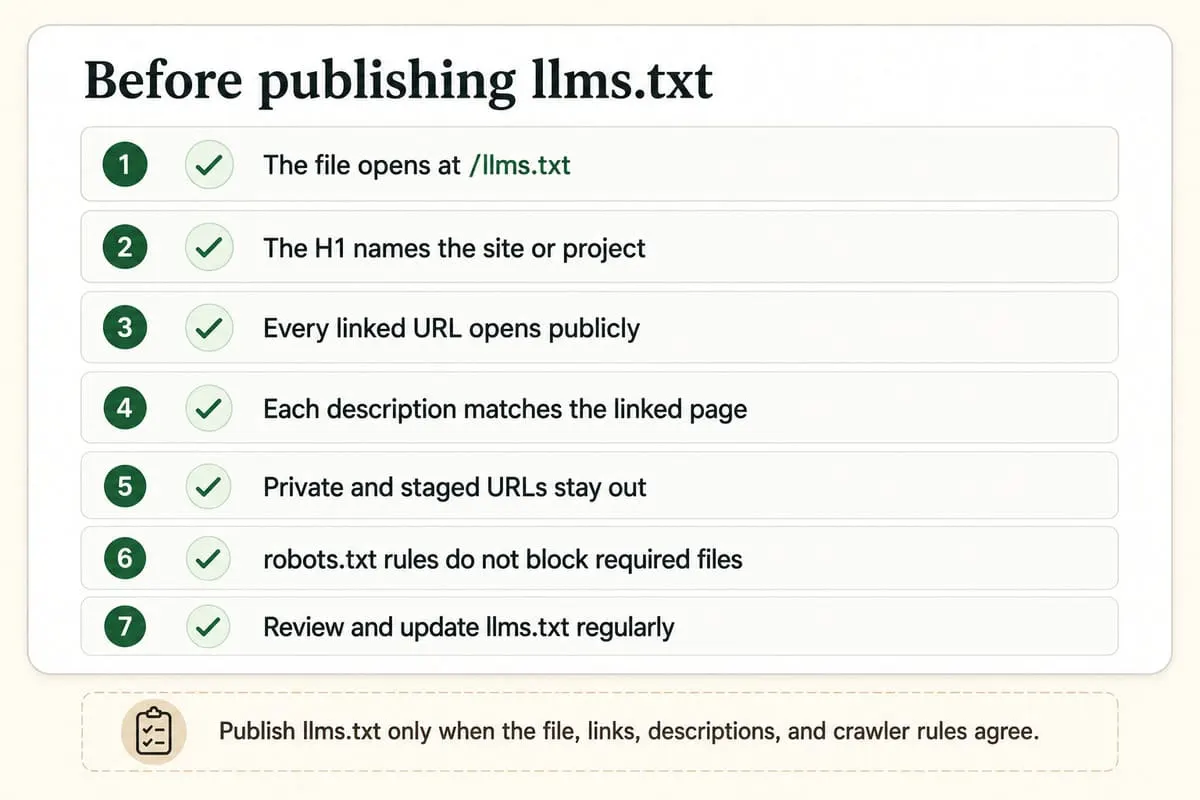
Verify llms.txt by checking file access, Markdown structure, link accuracy, source freshness, and crawler policy conflicts. The file should remain a current map, not a one-time upload.
Use a short maintenance checklist:
- Fetch
/llms.txtin a browser. - Check that the file returns public text.
- Open every linked URL.
- Confirm each page description still matches the page.
- Remove retired or redirected URLs.
- Keep private, staged, and duplicate pages out.
- Compare robots.txt rules with linked public pages.
OpenAI crawler documentation separates crawler user agents by purpose. OpenAI describes OAI-SearchBot for search, GPTBot for training-related crawling, and separate robots.txt controls for each user agent.
Use each file for its own job. llms.txt points to selected resources. robots.txt manages crawler requests. The linked page must still contain accurate, useful information.

Manish Singh is Head of Generative AI at SEO Noida and has 14+ years of experience in SEO, UX, and digital marketing. He focuses on how Google and AI platforms find, interpret, and cite web content. His articles cover AI SEO, GEO, AEO, LLM SEO, entity optimization, content architecture, and visibility measurement, drawing on website audits and campaign work.