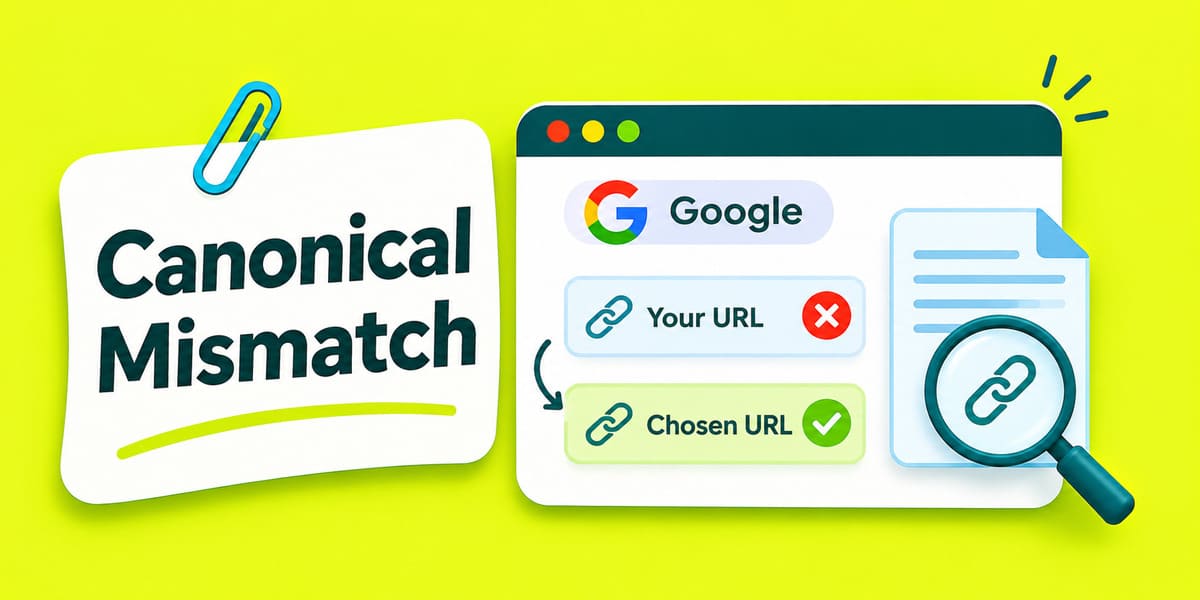
Google may select another canonical URL despite your rel="canonical" tag. It compares URLs with identical or very similar main content. Redirects, internal links, sitemaps, HTTPS, and hreflang can also influence the choice.
Your canonical tag records a preference, while Google makes the final selection. Before changing any tags, check the three URLs in Search Console.
Start With Three URLs in Search Console
Open Google Search Console → URL Inspection and enter the affected URL. Under Page indexing, find User-declared canonical and Google-selected canonical. Record the last crawl date before comparing the pages.
Consider a fictional ceiling-fan retailer in Vadodara. The category appears under three separate website addresses:
| URL | Address | Meaning |
|---|---|---|
| A: Inspected URL | https://shop.example.com/ceiling-fans/?sort=price |
Price-sorted category |
| B: User-declared canonical | https://shop.example.com/ceiling-fans/ |
Address named in the canonical tag |
| C: Google-selected canonical | https://shop.example.com/fans/ceiling/ |
Older category chosen as canonical |
Read the Page indexing status too. Duplicate, Google chose different canonical than user calls for comparing A, B, and C. Alternate page with proper canonical tag can indicate a valid alternate.
Check A against B, then A against C. Compare their product lists, descriptions, and working links. Suppose B loads an empty product grid, while A and C show the category. Fix the empty product grid before changing the tag.
Open each accessible URL separately and inspect its current canonical tag. Search Console reports the selection from indexed data. Test live URL checks current access and rendering. It cannot predict canonical selection.
Separate True Duplicates From Different Pages
Canonicalization is the process of choosing one representative URL from similar pages. Google groups URLs with identical or very similar main content. Shared menus and footers alone cannot establish that two pages match.
| What the URLs contain | What the site owner should do |
|---|---|
| Same products, different sort order | Choose one category canonical |
| Same page with tracking parameters | Use the main URL as the preferred version |
| Different product models and specifications | Preserve separate product URLs |
| Different services or genuinely different locations | Preserve distinct pages with their own canonicals |
| Product filters creating many near-identical URLs | Decide which filtered pages deserve indexing first |
Filters can also create thousands of URLs. A price-sort parameter may only change the order. A filter might produce a distinct product selection worth indexing. Google documents duplicate clusters and faceted navigation controls.
Trace Signals Pointing to Another URL
Google treats redirects and rel="canonical" annotations as strong signals. XML sitemap inclusion provides a weaker signal. Internal links and hreflang relationships can provide more context about preferred URLs.
| Inspect | Conflict in the Vadodara example | Correction when B should win |
|---|---|---|
| 301 or 308 redirect | An older alias redirects to C | Redirect retired aliases to B |
rel="canonical" |
A declares B, while other duplicates declare C | Point accessible duplicates toward B |
| Internal links | Category menus and product breadcrumbs open C | Update those links to B |
| XML sitemap | C appears in the sitemap, but B is missing | Include B as the preferred category URL |
hreflang |
Regional alternates refer to a retired address | Use eligible canonical URLs in the regional set |
A tag change on A alone may leave several conflicting signals. Inspect the redirect destination, canonical tag, and internal links together.
Review external backlinks that still point toward C. Google can consolidate links across duplicate URLs. However, backlink counts cannot prove why Google selected C over B.
Match Each Duplicate to the Correct Fix
Redirect an Old Address That Has a Replacement
Use a 301 or 308 redirect when a retired URL has a genuine replacement. Send the old category alias directly to B. Update menus, breadcrumbs, and the XML sitemap after the redirect.
Avoid redirecting different product models into a general category. Those pages may answer separate customer searches.
Use a Canonical Tag When Both Versions Must Remain Accessible
A sorted category may remain available for shoppers. When its main content matches B, A can declare B as canonical. Add a self-referencing canonical to B:
<link rel="canonical" href="https://shop.example.com/ceiling-fans/">
Place the tag inside the HTML <head> and use the full HTTPS address. Make sure your SEO plugin and theme produce one consistent canonical tag.
Preserve Separate Pages When Their Main Content Differs
A ceiling-fan product page and a fan-installation service page serve different needs. Each should have its own canonical URL. Correct missing products or service details before changing the canonical relationship.
HTTPS, www, and Parameters Need Different Checks
HTTPS versus HTTP: Google generally prefers HTTPS for equivalent pages. An invalid certificate, insecure resources, or a redirect through HTTP can change that preference. An HTTPS page pointing its canonical tag to HTTP also sends a conflicting signal.
www versus non-www: Google has no fixed preference for either domain form. Choose the address you intend to use. Redirect the other form and match the canonical tags, links, and sitemap.
Clean URL versus parameter URL: URL length alone cannot determine the canonical. Check if the parameter changes the products or only their order. Treat tracking, sorting, and product filters according to their actual content.
For HTTPS problems, inspect the SSL certificate, redirect chain and HTTP-pointing tags first.
Read What Google Receives From the Preferred URL
A page can look complete in a browser but reach Google with missing content. Page quality can influence canonical selection within a duplicate cluster. Verify the actual response before blaming page authority or Core Web Vitals.
In URL Inspection, select Test live URL and inspect the tested page. Compare its rendered content with the visible category. Ask your developer to check:
- HTTP status: The intended page should normally return
200 OK. - Main content: The rendered page should contain the expected product grid.
- Canonical tag: The initial HTML and rendered HTML should agree.
- Indexing controls: Check unexpected
noindexandrobots.txtrules. - Soft 404: Look for an empty or error-like page returned with a success status.
JavaScript can change a canonical tag after the page loads. Google recommends one consistent value in the initial and rendered HTML.
Avoid using noindex or robots.txt to force canonical selection. Blocking crawling can prevent Google from reading a canonical tag. These controls have separate indexing and crawl-management purposes.
Connect Regional URLs With Canonical Tags and hreflang
A ccTLD is a country-code domain such as .in. Sites can also use paths like /en-in/ and /en-gb/. Google may group regional pages when their main content remains very similar.
hreflang identifies alternate translated or regional URLs. Even correct hreflang cannot force separate canonical URLs. Google also favors URLs participating in valid hreflang clusters.
For genuinely distinct India and UK category pages, check:
- Regional codes: Use
en-INanden-GBwhere appropriate. - Canonical tags: Point each distinct regional page to its intended URL.
- Return links: Both regional pages must reference the alternate versions.
- Main content: Compare products, availability, delivery terms, and other regional differences.
The India page could use the following tags:
<link rel="canonical" href="https://example.com/en-in/ceiling-fans/">
<link rel="alternate" hreflang="en-IN" href="https://example.com/en-in/ceiling-fans/">
<link rel="alternate" hreflang="en-GB" href="https://example.com/en-gb/ceiling-fans/">
The UK page needs corresponding hreflang links. If both pages contain nearly identical English content, Google may still consolidate them. Google documents localized versions and regional canonical issues.
Investigate External Canonicals and PDF Headers
An unrelated external domain requires a different investigation. Inspect the full redirect chain, canonical tag, HTTP headers, and server response. A configuration fault, syndicated copy, or compromised website could cause an unexpected external canonical.
A PDF has no HTML <head> element. A server can send an HTTP Link header declaring a preferred canonical for a PDF. Inspect the response header instead of searching inside the PDF text.
Confirm the Canonical After Google Reprocesses the URLs
First, reopen the changed URLs and confirm the redirects, content, and canonical tags. Then inspect the same addresses in Search Console after another crawl.
Check two separate results:
- Live page fixed: The preferred URL serves the intended content and signals.
- Indexed canonical changed: Search Console shows the expected Google-selected canonical.
Use Request indexing for important URLs after meaningful fixes. A request cannot force Google to change its selection. Google may retain a duplicate cluster for up to two weeks after content changes.
A different canonical can be correct when two URLs serve the same page. Correct the mismatch when Google chooses the wrong content or an unwanted address.

Manish Singh is Head of Generative AI at SEO Noida and has 14+ years of experience in SEO, UX, and digital marketing. He focuses on how Google and AI platforms find, interpret, and cite web content. His articles cover AI SEO, GEO, AEO, LLM SEO, entity optimization, content architecture, and visibility measurement, drawing on website audits and campaign work.