Takeaways
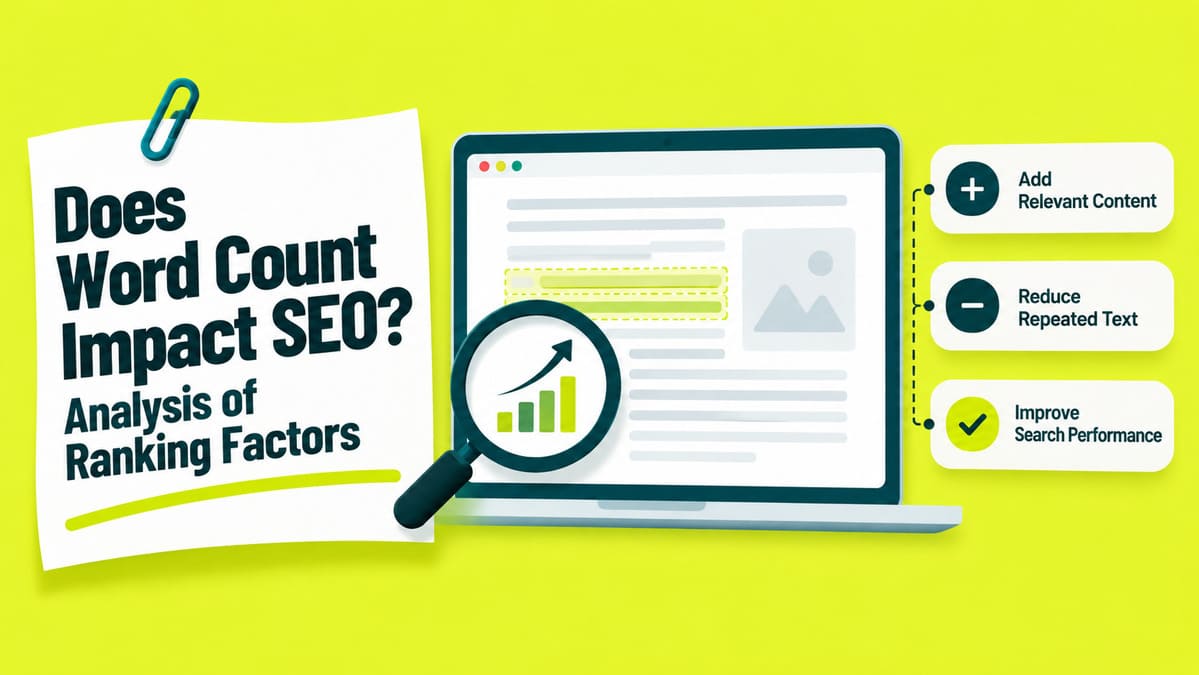
Check the Page Before Adding More Text
Check the answer, page access, sources, links, and mobile reading before adding text. Search intent describes the reader goal; find where your page addresses it. Access requirements affect indexing eligibility; ranking factors influence search result order.
Google access
Google needs accessible content that follows its policies and uses supported formats. Your server must also return HTTP 200, the code for a successful response. Google can leave a page unindexed even when it meets those requirements.
Open URL Inspection to see indexing status and the latest recorded crawl date. A [technical SEO review][I01] can investigate wider crawling, indexing, rendering, canonical, or response problems.
Evidence
Support important claims with sources that address the exact statement. Check the source date and the situations where the claim applies. Google describes content quality through experience, expertise, authoritativeness, and trustworthiness. [E-E-A-T][S02] describes those qualities without forming one separate Google ranking factor.
Links and headings
PageRank helps Google assess links between pages as part of its ranking systems. Google also examines passages to assess the relevance of the whole page. Name each heading after its question, then use [internal links][I03] for related answers.
Reading on a phone
Open the page on your phone and test its loading, text, and buttons. Core Web Vitals measure loading, responses to interaction, and unexpected layout movement. Google includes those measurements among several signals in its ranking systems. Good scores alone cannot guarantee a top search position.
Choose What to Add, Cut, Move, or Leave Unchanged
Choose the smallest change that solves the problem you found. A [content optimization review][I02] can improve usefulness without automatically increasing page length.
| What you find | What to change | What to check first |
|---|---|---|
| A reader question remains unanswered | Add the answer | Relevant question and supporting evidence |
| A claim lacks evidence or an important exception | Add support, state the limit, or remove it | Source and situations covered |
| Several passages repeat one point | Combine or cut them | Instructions, exceptions, and links readers still need |
| An answer appears late or beneath an unhelpful heading | Move it or rename the heading | Nearby steps and important exceptions |
| A fact or instruction contains an error | Correct the information | Related figures, examples, and headings |
| The page answers a different question | Choose the question the page should answer | Search query and intended reader |
| Google cannot access the content | Check the URL in Search Console | Indexing status and returned page text |
| The page already answers the question accurately | Leave the length unchanged | Sources and necessary details |
Add an Answer When the Page Needs One
Use customer questions, recorded searches, and reader feedback to identify missing answers. Read the whole page before treating an answer as missing. Without supporting evidence, record the question as a suggestion to investigate. Stop adding when readers already have the answer and necessary next steps.
A SearchPilot customer added FAQs below text on product listing pages. Product grids, filters, internal links, and earlier copy remained unchanged. On 24 April 2026, SearchPilot reported an [estimated 9.7% increase in organic clicks][S15]. The reported 95% credible interval placed the estimated effect above zero.
That range describes uncertainty around the size of the estimated click increase. The test changed both answers and length, leaving the separate word-count effect uncertain.
Cut Repetition Without Losing Needed Details
Stop cutting before readers lose an essential instruction or important exception.
Another SearchPilot customer [removed existing text beneath product category listings][S14]. The October 2024 report found a statistically significant increase in mobile organic traffic. The estimated effect on desktop organic traffic remained small.
SearchPilot suggested less scrolling as a possible cause, without proving that explanation. Another page may respond differently, even after a similar content change.
For a new page
List the questions and supporting sources before estimating writing time. Place the main answer first, with any condition that changes its meaning.
Without enough search data
Without enough search data, review answers, facts, repetition, and page access. Ask your site administrator for access to Search Console reports. Record the proposed benefit while leaving ranking improvement unproven.
What Word-Count Studies Can Tell You About Rankings
Study averages describe selected pages without establishing a length for your article. Both studies compare existing pages without testing changes to word counts.
The 1,447-Word Average Describes First-Page Results
Backlinko reported an [average of 1,447 words][S10] among pages in selected first-page results. Within that group, word count showed no direct relationship with ranking position. The team [extracted ranking data][S11] from Ahrefs in January 2020.
Backlinko displays an April 2025 update, years after extracting the data. A newer publication date cannot establish changes within the underlying research data. The comparison covers positions one through ten for those queries. That word-count average cannot establish how much content your own page needs.
The Ahrefs Study Compared Length With Estimated Traffic
[Ahrefs compared content length][S13] with estimated organic traffic across existing pages. Ahrefs reviewed a very large page dataset during its broad 2020 analysis.
Below roughly 2,000 words, longer pages tended to attract more estimated search traffic. Above that length, longer pages tended to receive less estimated traffic. Links, topic choice, and page purpose may also affect traffic. Neither finding establishes 2,000 words as your target or maximum length.
Compare Competitor Answers Before Matching Their Length
Compare Pages Answering the Same Question
Compare pages that answer the same question as your page. Identify each question, the [page that should answer it][I05], and supporting evidence. Record the query, date, country, device, and comparison purpose.
Article and product results may serve different tasks within the same search. Include a related topic only when it supports your main question.
Count only when the comparison needs it
Skip counting when reading already reveals the necessary change. When counting helps, include comparable headings, paragraphs, lists, and relevant table text. Exclude navigation and repeated site footers; record reviews and specifications separately.
Treat Tool Warnings as Review Prompts
Yoast applies its own recommendations when assessing text length. A plugin recommendation does not create a Google minimum for article word count. A longer draft can satisfy the tool while leaving the answer unchanged.
Google prohibits [keyword stuffing][S08], including unnatural repetition intended to manipulate rankings. Write the missing question, required evidence, and exact passage into your brief.
Check the Results After Your Content Edit
Measure search performance separately from how well the revised answer serves your readers. A traffic increase cannot prove that readers found the answer useful.
Save the Original Page and Planned Edit
Save the original page and describe your planned edit before changing the text. Record the reader problem, expected metric, edit date, and other website changes. A new page lacks earlier data; save its first published version.
Select the Page and Comparison Dates
Search Console generally credits the Google-selected canonical, its preferred address for similar pages. In URL Inspection, check the Google-selected canonical field. If Google selects another URL, check which version contains your edit.
In Search Console, open Performance and select Search results. Choose Page, then enter the confirmed URL using the exact-match filter. Compare equal-length periods covering the same days of the week. Use identical country, device, and search type filters for both periods.
Export the page performance report before editing, then save its dates and filters.
Read the search figures
An impression counts a recorded appearance of your result in Google Search. A click records someone selecting the link to your website. Click-through rate expresses clicks as a percentage of impressions.
Check Google Access and Reader Use
Open URL Inspection to review indexing and the last crawl. Compare that crawl date with the publication date of your edit. A live test checks access; it cannot confirm indexing of your latest edits.
Ask someone outside your team to find the answer and describe the next action. Write down any instruction the reader cannot find or follow.
Compare Results for the Same Searches
Open Queries and compare the same important searches across both periods. Google calculates average position using your highest listed position for each recorded appearance. An overall average can hide improvements or drops for individual searches.
Review newly reported queries separately, then check their relevance. Search Console omits some queries, leaving the visible table incomplete. Save the comparison export with its dates, filters, and page address.
Compare Google Visits, Enquiries, and Purchases
A session in Google Analytics groups the interactions during a website visit. Open the Landing page report, which records the first page of each session.
Filter the edited landing page to visits from Google organic search. Set Session source to google and Session medium to organic. Match comparison dates, country, and device between Search Console and Google Analytics. Consent, tracking differences, and time zones can produce different click and session totals.
Count enquiries and purchases from those visits where tracking supports that connection. Separate genuine enquiries from confirmed customers and completed purchases. Search clicks can rise while enquiries remain unchanged.
Check Other Causes and Uncertain Results
Compare completed reporting periods; treat figures still changing as unfinished. Complete traffic reports alone cannot confirm Google processed your revised page. Google provides no fixed deadline for every edit to affect search results. Seasonal patterns, Google updates, and other edits can affect search traffic. Low click or enquiry volume can leave the result uncertain.
A single-page before-and-after comparison cannot rule out other causes of traffic changes. A broader [SEO audit][I06] can examine pages, queries, technical issues, and tracking together. SEO split tests compare changed pages against unchanged pages with broadly comparable traffic. Unchanged pages help estimate the traffic expected without the edit. Changes affecting only one group can weaken the comparison.
In September 2023, SearchPilot reported [16 travel-content tests across six international domains][A01]. The customer replaced page-specific paragraphs with identical wording across selected pages. Twelve tests remained inconclusive, three showed improvement, and one showed a decline.
An inconclusive test cannot establish a reliable increase, decrease, or absence of change. The tests compared replacement text without measuring word count independently.
Decide Which Changes to Retain
Retain necessary corrections even when search performance remains uncertain. Preserve useful edits when limited search data leaves their ranking effect uncertain. Restore missing instructions after traffic rises, then investigate losses before reversing optional edits.
Optional edit record
Does Google AI Search Need a Different Word Count?
Google sets no separate word-count target for [AI Overviews or AI Mode][S09]. You can write full explanations without splitting content into tiny pieces. Wider [AI SEO work][I04] still needs useful answers, accessible pages, and supporting evidence.
Questions About Short and Long Pages
Word count alone cannot decide which pages to remove, divide, or reorganise. Use the page purpose and reader needs to make those decisions.
Should I Delete a Page Because It Is Short?
Retain a short page that answers a useful question accurately. Check duplicate pages, incoming links, visits, and information readers could lose. Low traffic alone cannot justify removing a useful page.
Use a permanent redirect when another page answers the same question. Without a relevant replacement, return [HTTP 404 or 410][N03] for the removed page. Those response codes tell Google the requested page is unavailable.
When Should I Split a Long Article?
Split when separate reader goals justify pages that each work independently. Each new page needs enough detail for readers arriving directly. Preserve connected steps when readers need the full sequence to finish. Decide where each section belongs before publishing separate URLs. Update all relevant internal links after the new pages publish.
Can I Put Supporting Answers in Expandable Sections?
Yes, expandable sections can hold supporting details while the main answer remains visible. An accordion opens or closes extra text beneath a labelled button. Google permits accordions that help visitors navigate supporting page content.
Google needs access to the answer without requiring a click on that button. Google can miss answers that [load only after someone opens an accordion][A03].
URL Inspection shows rendered HTML, meaning page code after Google processes page content. Select Test live URL, then open View tested page next. Search the HTML tab for a sentence from the expandable answer.
Test opening and closing each answer with both keyboard controls and mouse controls. Use Tab to reach the button, then try Enter or Space.

Manish Singh is Head of Generative AI at SEO Noida and has 14+ years of experience in SEO, UX, and digital marketing. He focuses on how Google and AI platforms find, interpret, and cite web content. His articles cover AI SEO, GEO, AEO, LLM SEO, entity optimization, content architecture, and visibility measurement, drawing on website audits and campaign work.